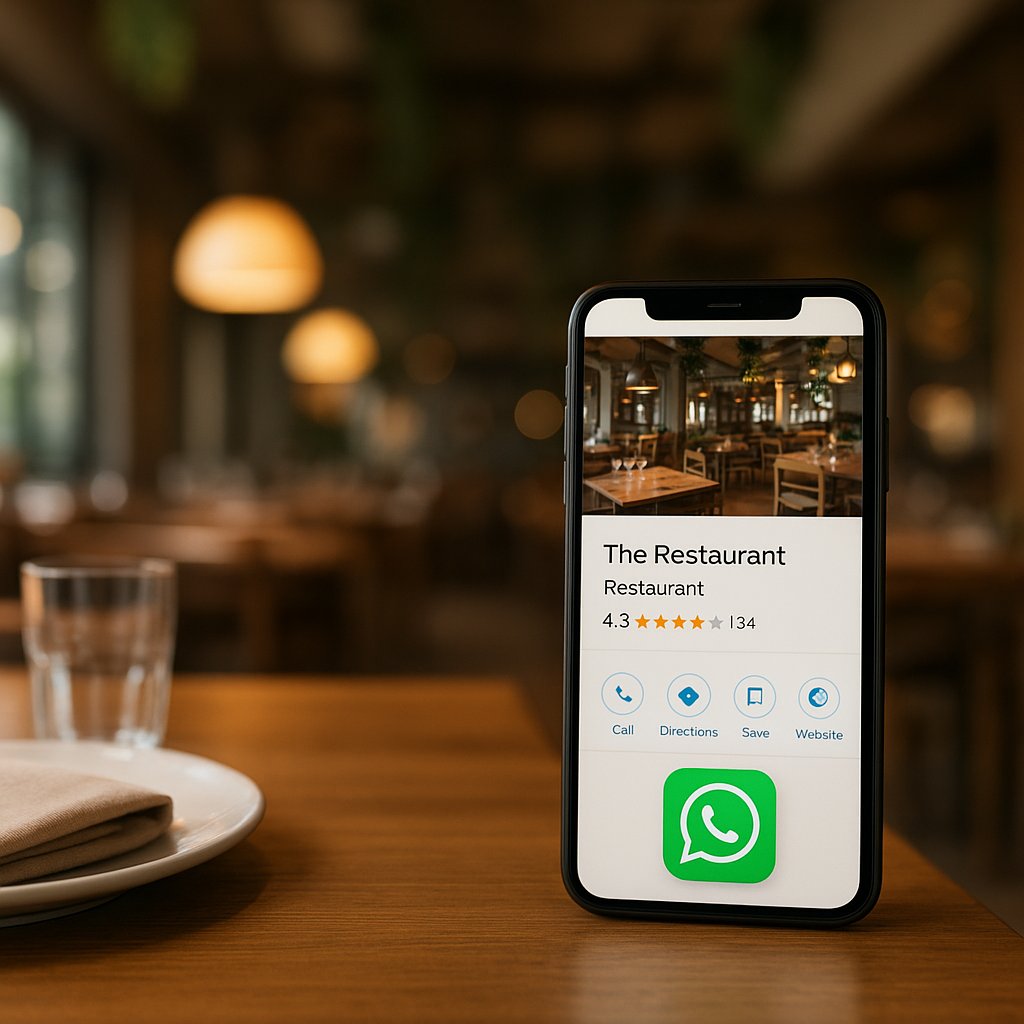
WhatsApp link in Google Business Profile: how to fix it
You are losing reservations because guests do not want to call, but they do want to message (especially during peak weekends).
Then there is that frustrating situation: you added WhatsApp neatly in your Google Business Profile, it looks approved, but the button does not show up anywhere. That is often not your fault, but caused by rollout timing, validation, or a link that is a bit too "creative".
In 10 minutes you can place a clean wa.me link in the right spot in GBP, and you will know exactly how to check whether it is truly visible (and what to do if it is not).
When is WhatsApp in GBP possible (and where is it in the UI)?
If you are reading this, you are usually in 1 of these 2 situations:
- You want a WhatsApp button next to "Call" in Google Search or Maps, but you cannot find an option anywhere.
- You already filled it in, it is (apparently) approved, and still there is no button.
Important: Google does not roll out "Chat/Messaging" everywhere at the same time. So yes, you can do everything right and still see nothing. That is also the key difference with many other guides: it is not only "set it up", it is also "realistically check what Google shows in your profile today".
Google "Chat" has changed: WhatsApp or SMS as the replacement (regional/rollout)
Where you used to see "Messages" or "Chat" as a single feature, some profiles now show variants like WhatsApp or SMS as the messaging option. That rollout is inconsistent. Sometimes it appears out of nowhere, sometimes it disappears again. Sometimes you see it in Maps but not in Search (or the other way around).
Practically speaking: this is exactly why hospitality businesses leave revenue on the table during busy periods (when everyone is searching last-minute). Not because they "do not have WhatsApp", but because the button is not visible where the guest is looking.
Where to find it: Edit profile -> Contact -> Chat/Message options (may be missing)
In your Google Business Profile, go to:
Edit profile -> Contact -> (Chat / Message / Messaging)
The label varies by UI. If you do not see anything about chat/messaging at all, that is usually not an error on your end, but simply: not available yet for your account, category, or region.
Preparation (this must be correct before you set anything up)
You want to avoid ending up with "edit not approved" or a button that stays invisible for weeks. These are the basics.
Use WhatsApp Business (basic) and a number that is actually active
For hospitality, WhatsApp Business almost always works better than regular WhatsApp:
- quick replies (opening hours, parking, allergens)
- labels (e.g., Reservation, Confirmed, Done)
- a professional profile
Choose a number that is genuinely answered during opening hours. Otherwise you are only moving the problem: fewer calls, but more missed chats.
Number format and country code: what Google and WhatsApp expect
Use the country code and digits only.
- Netherlands: +31 (without the leading 0) Example: 06 12345678 becomes +31612345678
- Spain: +34 Example: 612 34 56 78 becomes +34612345678
No spaces, no dashes, no parentheses.
Pick 1 focus: WhatsApp or SMS (sometimes only one option is shown)
In some GBP variants, Google seems to show only 1 messaging option prominently. If you try to mix SMS and WhatsApp, you may end up seeing nothing or triggering odd validation.
For hospitality, WhatsApp is usually the best primary route.
Step-by-step: add a WhatsApp link to your Google Business Profile
Correct link structure: wa.me (no short links, no trackers)
Use the standard WhatsApp format:
So:
- yes: wa.me
- yes: country code + number
- no: link shortener
- no: tracking tools that modify the URL
- no: weird parameters
Want a pre-filled message? You can, but only do that after everything is consistently visible. Start clean, otherwise you will be debugging two variables at once.
Enter it, save it, review wait time: what to expect
Enter the WhatsApp link in the chat/messaging option, save, and expect:
- sometimes it shows instantly
- sometimes within 24 to 72 hours
- sometimes longer (after many recent edits, or when Google runs extra checks)
Real-world tip: do not keep changing it every hour. A lot of small changes in a short time can trigger reviews.
Quick check: where should you see the button (Search vs Maps, mobile vs desktop)
Check at least these 3:
- Google Maps app on mobile (often the first place buttons appear)
- Google Search on mobile (business profile panel)
- Desktop (buttons are missing here more often)
Test not only as the owner (logged in), but also incognito or via a colleague.
Troubleshooting: "approved but not visible" or "edit not approved"
These are the causes that come up most often.
Feature not rolled out in your region, account, or category
If the chat/messaging section is missing or keeps behaving inconsistently, it may simply be rollout timing. Then you can wait (sometimes the only option), or focus on conversion channels that are stable: your website link, your reservation link, and a WhatsApp button on your website.
Link does not comply (no wa.me, extra characters, wrong country number)
The classic. Rejections or invisibility are often caused by:
- api.whatsapp.com variants that sometimes work and sometimes do not
- spaces or a plus sign that gets interpreted incorrectly
- a local mobile number without a country code
- a number that is not active on WhatsApp
Fix: go back to https://wa.me/countrycodenumber with no extras.
Visibility differs by device (often mostly visible on mobile)
It can genuinely happen that you do not see it on desktop, while your guest does see it on mobile. For hospitality, mobile is the priority. That is where the "we are at the door right now, is it still possible?" behavior lives.
Ideally test on both iPhone and Android.
Conflicts with other contact options (SMS or other messaging)
Do you have multiple messaging channels set up, or did you have "Messages" enabled in the past and later turned it off? Then leftover settings can linger.
Approach:
- pick 1 messaging route (WhatsApp)
- remove other messaging options if possible
- save and give it 2 to 3 days
Review takes longer: when resubmitting makes sense
Resubmitting makes sense if:
- you fixed a clear error (e.g., link format)
- you did not make 10 changes at once
- you waited at least 48 to 72 hours
If after a week it is still not visible and everything is clean, chances are you are simply unlucky with rollout. In that case, do not let conversions wait: put WhatsApp prominently on your website and send people there.
Hospitality conversion: prepare WhatsApp for reservations (without chaos)
A WhatsApp button only helps if it does not turn into 40 separate messages with no confirmation.
Quick replies and labels (opening hours, allergens, "any tables today?")
In WhatsApp Business:
- create quick replies for the top questions (opening hours, parking, allergens, kitchen hours, groups)
- use labels: New, Reservation, Confirmed, Done
This saves real minutes per conversation during peak moments.
Mini script for taking reservations via WhatsApp
Work with a fixed sequence:
- "Nice, happy to book you in. What is your name?"
- "Which date and time?"
- "How many people?"
- "Inside or outside (if available)?"
- "Perfect, I am putting it in. Confirmed for [time] for [party size]. See you soon!"
Peak hook: Valentine’s Day (Sat Feb 14, 2026) and Carnival (Feb 14 to 17, 2026)
Saturday, February 14, 2026 is one of those days when people would rather message quickly and quietly: "Do you still have a table at 8:30 pm?"
And because Carnival runs from February 14 to 17, 2026 and starts that same weekend, many cities get extra last-minute traffic (groups, later in the evening, "is the kitchen still open?"). If WhatsApp is set up properly in Google then, you capture bookings that would otherwise go to the place next door.
Measurement matters: how to track WhatsApp clicks from GBP (simple)
What you can measure
In GBP you can see performance like interactions (calls, directions, website). Messaging is not always broken out cleanly, especially if the feature is only partially visible in your profile.
What does work well: also place a WhatsApp link on your website and track clicks there in your analytics. Then at least you can see whether "online visibility -> WhatsApp" is increasing.
If you are unsure which channel wins long-term (Google, website, Instagram, platforms), the comparison in custom website vs platforms (what actually drives results) helps you prioritize direct channels (GBP, WhatsApp, website) more strategically.
Practical approach: separate recognition for GBP vs website
Perfect attribution is not the goal. Recognizability is enough.
- GBP: use a clean wa.me link
- Website: use the same wa.me link, but let the click pass through your site (so you can measure a click event)
If you absolutely need source recognition via text, do that on your website rather than inside GBP. GBP is sensitive to "extras" in links.
KPIs for hospitality
- fewer missed calls during service
- more chats with concrete questions
- more confirmed reservations per week
Frequently asked questions
Does this cost money?
GBP is free and WhatsApp Business is free. The real cost is time: setup, testing, and consistent replies.
How long does it take before it shows up?
Sometimes instantly, often within 1 to 3 days, sometimes longer due to review or rollout. After a week with perfect formatting and still nothing? Then it is usually rollout/account, not a typo.
Why do I see it on my phone but not for others?
Google does not show buttons identically across device, OS, app version, and even per user. That is why you should test in Maps, Search on mobile, and incognito.
Can I do this myself without hassle?
Yes, if you keep it clean: correct wa.me, no tracking, patience with reviews, and proper mobile testing.
Is this reliable and approved?
If you set it up through the official GBP interface and use a normal wa.me link, you are fine. What is less reliable is visibility. That can depend on rollout and UI variations.
Quick checklist (printable)
- WhatsApp Business active and the number is answered during opening hours
- Number in country-code format (NL: +31 without 0, ES: +34)
- Link exactly: https://wa.me/countrycodenumber (no spaces, no shorteners)
- You choose WhatsApp or SMS (not both at the same time)
- Tested in Maps mobile, Search mobile, and incognito
- Waited 48 to 72 hours after saving (do not keep changing it)
- Still nothing after 7 days? Likely rollout/UI, focus on an alternative channel and measurability
Book a strategy call (max 30 minutes): I will check your Google Business Profile live (whether WhatsApp is available at all), validate your wa.me formatting, and give you a short action plan to make the button visible and measurable.