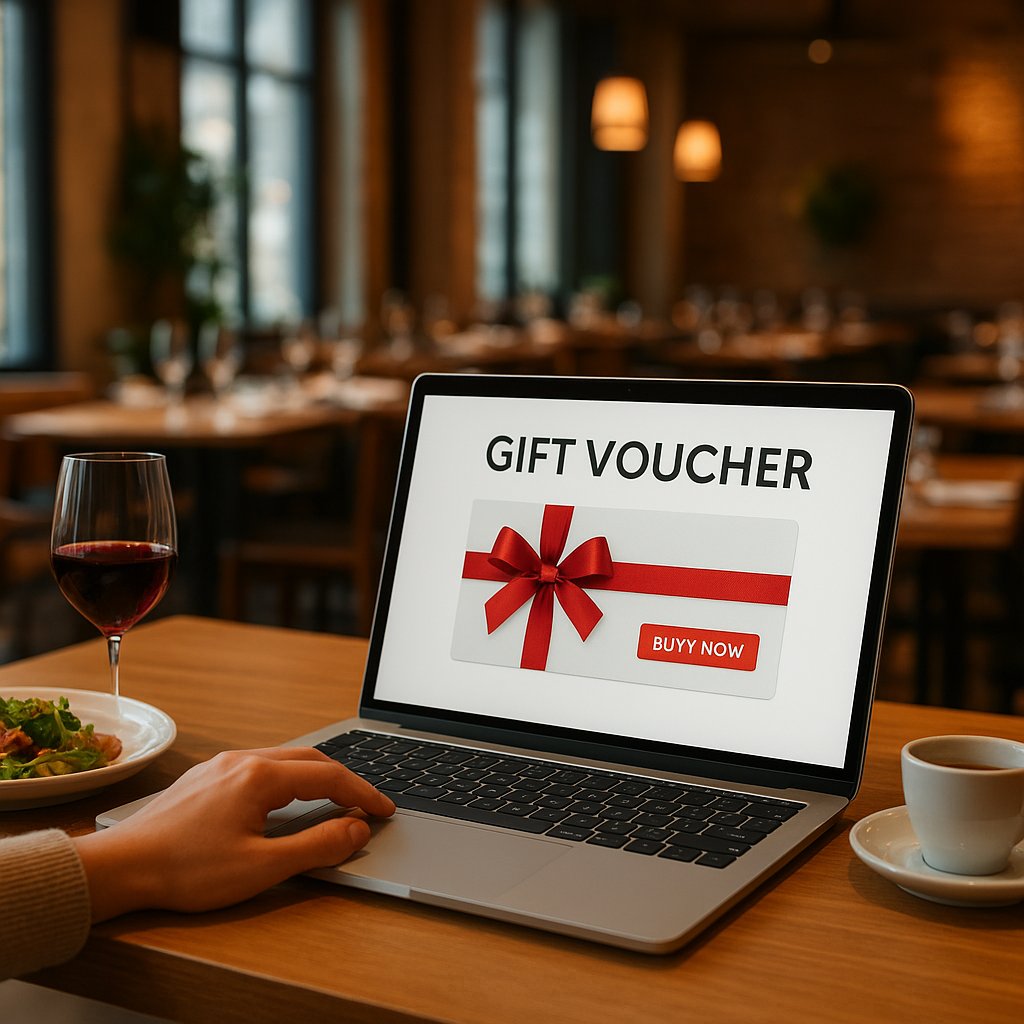
Sell restaurant gift cards online (January and Valentine-ready)
January is a weird mix for many restaurants: it is quieter on the floor, but online it is peak gift season. People are looking for a last-minute option that feels personal (and not another perfume set): dinner, lunch, or drinks as a gift. This is the moment to make your online gift cards frictionless, so you lock in cashflow before Valentine’s Day and spread redemptions more smoothly across February and March.
This is not a “you should sell gift cards” pep talk. You are getting a Netherlands-ready end-to-end playbook: route selection, iDEAL/Mollie payments, widget placement, email flow, and clear terms/FAQ so support questions stay low.
Why sell gift cards right now (January to Valentine’s)?
Because gift cards solve two problems at once in January.
-
Cashflow during quieter winter weeks
You sell revenue upfront without needing to seat extra tables right away. That gives you breathing room to plan staffing, inventory, and marketing. -
Valentine’s Day is a last-minute buying moment
A lot of people buy in the week (or even the day) before February 14. If your gift card can be purchased in under 2 minutes via iDEAL, you beat “I’ll just do something else”. -
You capture purchase intent that already exists
People searching “restaurant gift cards online” are rarely looking for inspiration. They want to pay. Your job is simply to remove drop-offs caused by checkout friction or unclear terms.
Choose your setup route (3 options). What fits your restaurant?
Route A: via your reservation system (Zenchef/Formitable/...) (most plug-and-play)
For many restaurants this is the fastest path: your booking tool has (or supports) a gift card/voucher module, often with built-in payment options or a connection to a payment provider.
When this is ideal:
- you want to go live fast without a web build project
- you want gift card sales and guest data to land neatly in one system
- your team wants to manage as few separate tools as possible
What to double-check:
- whether the checkout is truly frictionless on mobile
- which payment methods are enabled by default (in the Netherlands, iDEAL is not optional)
- how the gift card is delivered (PDF/QR) and whether the emails are customizable
If you see gift cards mainly as part of your online flow (reserve -> confirmation -> upsell -> buy gift card), an online reservation system with integrations is often the most logical foundation.
Route B: via a separate gift card tool plus a link/button on your site
This is the “I want to sell this now, even if my reservation system cannot” route. You use a standalone gift card tool and add a clear website button: Buy a gift card.
When this is smart:
- your current reservation system has no (good) gift card module
- you want to move fast without touching your entire reservation flow
- you want features (amounts, templates, email timing) your tool supports
Risks/pitfalls:
- it can quickly become a separate island (who manages codes, refunds, questions?)
- branding is often less tight if customers land in an external checkout
Route C: a custom gift card page on your own website (maximum conversion/branding)
This is the route for restaurants that want to win on conversion and brand experience (and rely less on any single platform).
When this is the best choice:
- you want 100% brand control and tone of voice
- you want multiple product types (custom amount plus packages plus seasonal promos)
- you want a faster checkout and better measurement (events, funnels, A/B tests)
Trade-off: a bit more implementation, but you get control back over copy, UX, the payment flow, and email automation.
Technical end-to-end plan: online gift cards plus online payment
Step 1: Product choices (custom amount vs fixed amounts vs packages)
Make it easy for the buyer. In practice, these three formats work best:
- Custom amount (for example EUR 10 to EUR 250): flexible, but requires more thinking.
- Fixed amounts (3 to 5 options): faster clicks, less hesitation.
- Experience packages: perfect for seasonality and gifting.
Valentine example (package gift card):
- Valentine’s dinner for 2 (including aperitif)
- Sharing lunch plus cava
- Chef’s menu (5 courses)
In the Netherlands, “fixed amount plus package” is often the strongest combo. A package sells more easily because the gift comes with a built-in story.
Step 2: Set up payments (iDEAL/Mollie/Stripe/Zenchef Payment)
You do not lose gift card sales on interest, but on checkout friction.
Minimum payment setup for the Netherlands:
- iDEAL (always)
- Apple Pay/Google Pay (for mobile impulse buys)
- Credit card (useful for tourists and business buyers)
Mollie or Stripe?
Both are solid. Choose what fits your current stack (reservation system, website, POS/back office). For many Dutch restaurants, Mollie is the most no-nonsense option, especially if you already run iDEAL.
iDEAL 2.0 (practical, no hype)
iDEAL is moving toward a more streamlined experience (fewer steps people were used to). That is good for conversion, as long as your checkout is implemented cleanly. Practically, this mainly means: test your flow on mobile and avoid unclear steps or double redirects.
Quick test (5 minutes):
- Put your phone on 4G (not your own Wi-Fi)
- Buy a EUR 10 gift card
- Check: how fast do you get from “Buy now” to payment confirmation?
- Check: does the email arrive? Is the PDF/QR correct?
Step 3: Add the widget/button to your website (above the fold plus in the menu)
If people have to search, they will not buy. Place your gift cards in three spots:
-
Above the fold on your homepage
A clear button: “Buy a gift card” (not “Vouchers” or “Gift cards” without context). -
In your main menu
Next to Reserve and Menu. On mobile, ideally as a prominent menu item. -
On your reservation page
People who want to book but cannot pick a date are often gift card buyers too (then I’ll give the gift now).
Small practical tip: add microcopy on the gift card button like “Delivered instantly by email (PDF/QR)”. It removes doubt.
Step 4: Confirmations and delivery (PDF/QR/code) plus email flow
Your goal: deliver automatically after payment, with zero manual work.
Delivery formats that work:
- PDF with QR plus code (printable and mobile-friendly)
- Gift card code in the email body (useful if the PDF ends up in spam)
- Wallet (nice-to-have if your platform supports it)
Email flow (simple but effective):
- Instant confirmation: “Your gift card is in. Here is your PDF/QR”
- Service email after 1 day: “How redemption works plus validity”
-
Optional after 30-45 days (for buyers, not recipients): “Not used yet? Reserve online in minutes”
Note on privacy/consent: keep this compliant and genuinely relevant.
A human detail that helps in practice: “Tip: forward it via WhatsApp to the recipient.” It reduces “Where is the gift card?” questions.
Step 5: Redeeming in the restaurant (table/POS process plus fraud check)
This is where things often break: everything looks clean online, but uncertainty appears on the floor.
Create one simple process:
- Guest shows QR/code (phone or printed)
- Staff checks the code in the system/portal
- Code is marked as used or deactivated after redemption
- Remaining balance: automatic, or a fixed method (and train it)
Fraud-check basics:
- Do not accept screenshots if your system can validate live
- Ensure codes are unique and not guessable
- Agree who can process refunds/cancellations (for example manager-only)
Conversion checklist (what competitors forget)
Must-haves on the gift card page (trust and speed)
These points are the difference between “nice idea” and a completed payment:
- Clear hero: “Online gift card, delivered instantly by email (PDF/QR)”
- 3 bullets under the button: delivery time, validity, redemption
- Example image of the gift card (screenshot/mockup)
- Clear support option for problems (short and specific)
- No distractions: keep the page clean with 1 primary action
If you want this live professionally and fast (without juggling separate tools), a dedicated gift card system for restaurants is often the shortest path to a stable checkout and automatic delivery.
Price anchors that work (3-5 amounts) plus a “most popular” badge
Make choosing easy. For example:
- EUR 25
- EUR 50 (most popular)
- EUR 75
- EUR 100
- Custom amount
Why this works: EUR 50 is a socially safe gift. EUR 75/EUR 100 lifts your average order value without feeling instantly expensive.
Promo placements: homepage, reservation page, QR menu, Google/Maps
Gift cards do not sell only through Instagram. Place them where purchase intent is already warm:
- Homepage plus menu (baseline)
- Reservation page (alternative when someone cannot pick a date)
- QR menu (after the meal: “give this as a gift” works surprisingly well)
- Google/Maps: reference gift cards clearly in your profile/posts and make sure they are easy to find from your website
Seasonal boost: run a Valentine CTA through February 14 on your homepage and gift card page. Not shouty, just clear: “Valentine gift? Delivered straight to your inbox.”
Legal and terms (Netherlands-ready): reduce hassle and support questions
Validity, returns/refunds, remaining balance, loss/theft
You do not need legalese. You mainly need clarity, for trust and to prevent disputes.
Include at least this in your terms (and repeat the essentials on the gift card page):
- Validity: how long is the gift card valid? Put it explicitly on the gift card and in the email.
- Returns/refunds: is it possible, within what timeframe, and how?
- Remaining balance: does leftover credit remain and how can the guest check it?
- Loss/theft: what happens if someone loses the code? (Often: treat it like cash, with a clear exception procedure.)
Practical point: make sure what you promise in the terms is actually doable at the POS. That prevents discussions.
FAQ template (short questions that support sales)
Use (and copy/paste) this FAQ at the bottom of your gift card page:
How fast will I receive the gift card?
Immediately after payment by email as a PDF with QR and gift card code.
Can I print the gift card?
Yes, the PDF is printable. Showing it on your phone also works.
How long is the gift card valid?
This is stated on the gift card and in the confirmation email.
Can I buy multiple gift cards at once?
Yes, you can add multiple amounts (or make multiple purchases).
What if I do not receive the email?
Check your spam/junk folder. Still nothing? Email us and we will help quickly.
Can I use the gift card in parts?
Yes/no (choose 1). If yes: the remaining balance stays linked to the same code.
Can I use the gift card for takeaway, or only in the restaurant?
Make this explicit (and avoid arguments).
Measure and iterate in 7 days (so January actually generates revenue)
KPIs: pageviews -> add-to-cart -> payment -> redemption rate
Track at least these four steps:
- Pageviews (how many people see the gift card page?)
- Click on amount/add-to-cart (are people dropping off already?)
- Successful payments (where is checkout friction happening?)
- Redemption rate (later): how much is ultimately used?
In practice: if you have lots of pageviews but few payments, the issue is almost always unclear amounts, too many steps, missing payment methods, or low trust (terms/clarity).
Quick A/B improvements: amounts, CTA copy, placement, payment methods
Without a big project, you can test this in a week:
- Amounts: swap EUR 75 for EUR 60, or add/remove the custom amount option
- CTA copy: “Buy a gift card” vs “Order a gift card (instant email delivery)”
- Placement: header button vs menu-only
- Payment methods: enable Apple Pay/Google Pay, put iDEAL at the top
Test one change at a time. Otherwise you will not know what moved the needle.
When is it smarter to outsource this?
Outsource it if one of these is true:
- you want to be live within 48-72 hours (not “sometime this month”)
- you already have a reservation system, but the payment integration is messy
- you want an automated email flow plus a clean PDF/QR in your own style
- you want to measure properly (events/funnel) instead of guessing
- your team does not have time to manually manage codes, remaining balances, and exceptions
WhatsApp “Gift Card and Payment Setup” audit (10 min): send your current website, reservation tool, and preferred amounts. I will check widget placement, payment flow (iDEAL/Mollie), email flow, and share a concrete implementation recommendation.