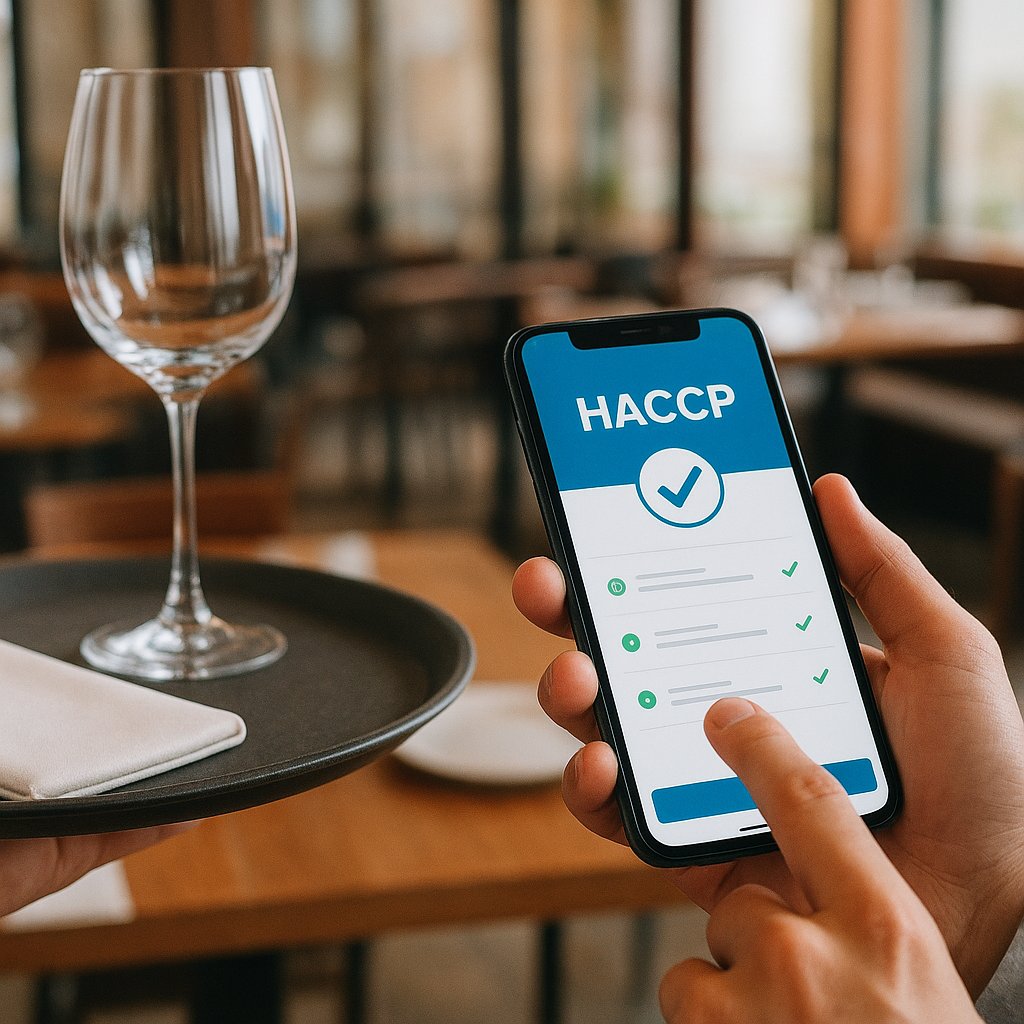
Choosing and implementing a HACCP app for hospitality (simple step-by-step plan)
Do you also constantly lose those paper checklists, or do they end up somewhere under the coffee grinder and then turn out not to be filled in?
That creates stress. Your team gets uneasy, you waste time searching, and during an inspection you just want to calmly show that everything is in order.
In this blog you will not get sales talk or technical deep-dives, but a practical approach: a short checklist to choose a HACCP app, plus a 7-day plan to actually go live with it. The goal is simple: fewer lists, a clear routine, and a logbook you can find back quickly.
What is a HACCP app (and what do you really need to log)?
In practice, a HACCP app is a digital binder with checklists. You replace paper with entries on a phone or tablet. The goal is not "pretty software", but proof and peace of mind: you show that you work hygienically and food-safe, and that you truly keep it up.
Important: you do not need to log everything that could be logged. You mainly need to log what is necessary for your business and what your team can realistically keep doing.
Which logs do you most often see in hospitality (temperature, cleaning, receiving goods)
In most cafes, restaurants, lunch spots, and hotels you almost always see these three:
-
Temperatures
Refrigerators, freezers, hot holding units, and sometimes core temperature when cooking through or chilling down. -
Cleaning and hygiene tasks
Think: worktops, cutting boards, dishwasher, draft system, restrooms, waste, pest checks. -
Receiving goods
Did the product arrive in good condition? Was chilled delivery at the right temperature? Is the packaging intact? Date labels in order?
Real-world example: in a tapas bar in Valencia they worked with one open/close list per day. It was clear and doable. Only once the team got used to it did they add extra lists. That order made the difference.
Why digital is easier than paper (less forgetting, everything searchable)
Paper has one big problem: it disappears, or it gets filled in "later". And when it is busy, "later" is often tomorrow.
Digital helps because:
- you can set reminders (for example, check the fridge at 16:00),
- you can find everything back by date,
- you can show faster what you did if questions come up,
- you get less debate: who was supposed to do this?
Real-world example: a brasserie with lots of part-timers noticed the morning shift often forgot the fridge log. With a phone notification it became a habit. Not because people suddenly changed, but because the system helped.
Who is an app useful for (and who not) (small team vs multiple locations)
Useful if:
- you have multiple employees working rotating shifts,
- you run a busy place and do not have time for binder management,
- you have multiple locations or often rely on temporary staff.
Less necessary (but still useful) if:
- you work with a tiny team and everyone always remembers everything,
- your admin is already tight and you never lose anything.
Still, you often see even a small business become calmer with it. Especially around January, when you often have new schedules, new agreements, and sometimes new staff. Then you do not want loose papers and arguments about who did what.
When is a HACCP app "good enough"? (quick checklist)
You do not need a perfect app. You need an app your team actually uses and that helps you during an inspection. With this checklist you can judge in five minutes whether an app fits.
Must-haves: daily task list, reminders, photo/signature, export/report
At minimum, check for:
- Daily task list: clear what needs to happen today.
- Reminders: a nudge when something is missed.
- Photo or confirmation: helpful for deviations (for example damaged packaging) and for proof.
- Export or report: you need to be able to print or save an overview, per period.
Floor-proof: works on phone/tablet, offline/online, multiple users
An app can look great, but if it does not work on the floor, you are done.
So check:
- Does it work smoothly on both phone and tablet?
- Can you log entries when the internet is unreliable (for example in a basement)?
- Can multiple people log in under their own name?
Management: roles/permissions (kitchen/manager), easy to adjust per location
You do not want everyone to be able to change everything. Usually this works best:
- kitchen fills in kitchen checklists,
- front of house ticks off cleaning points that belong to the bar,
- manager reviews and can adjust lists.
Do you have multiple locations? Then you want the same base setup, with small location-specific differences.
Support: help with setup, training, response time
The biggest stumbling block is not the app, but the start.
So ask up front:
- Do you help with setup?
- Can you give my team a short walkthrough?
- How fast do you respond if something gets stuck?
Proof during inspection: searchable by date/location, clear logbook
Say an inspector asks for something from last month. You do not want to hunt for it.
A good app lets you:
- search by date,
- filter by location,
- show a clear logbook: what was done, by whom, and when.
Choose quickly: 3 types of HACCP apps (pros and cons)
You do not need to compare brands right away. First choose the category that fits you. Only then look at specific providers.
HACCP logging only (simple, affordable, quick to go live)
This is the most common way to start.
- Pros: fast, clear, minimal setup, cheaper.
- Cons: fewer extra features if you also want to manage labels, recipes, or extensive allergen info.
Ideal if you are thinking: I want temperatures and cleaning locked in, and I want to be able to show it quickly.
HACCP + extras (allergens/recipes/labels) (useful, but more setup)
Useful if you make a lot in-house, change your menu often, or do a lot of takeaway and delivery.
- Pros: more in one place, fewer separate spreadsheets, more control.
- Cons: takes more time to set up properly, and your team really has to use it.
Sensor/24-7 temperature monitoring (less manual work, but investment + installation)
Here, sensors in fridges and freezers measure automatically.
- Pros: less manual entry, quicker to spot deviations (for example a nighttime failure).
- Cons: investment, installation, and you depend on hardware and notification settings.
January tip: the start of the year is often the moment to tighten up processes. You are making new agreements anyway (schedules, responsibilities, cleaning rounds). Then it is easier to say: from now on, this is how we do it.
Implementation in 7 days (practical step-by-step plan)
Many providers say: you can go live fast. But you deal with reality: rush hours, staff, and everything keeps running. That is why this 7-day plan exists. It is built for the floor: start small, create a routine, and assign a clear owner.
Day 1: inventory (which lists do you use now?)
Grab your paper binder (or your current app) and put everything on the table:
- Which lists do you truly use?
- Which ones are basically never filled in?
- Which tasks live in people’s heads but are written down nowhere?
Goal of day 1: clarity, no debate.
Day 2: create your minimum set of logs (start small)
Pick your minimum set. For many businesses that is:
- 1 temperature check per day (or per shift),
- 1 cleaning list (open/close),
- 1 receiving check per delivery.
Start intentionally small. If you launch with twenty lists, your team checks out.
Day 3: create users + roles (who logs what?)
Make it concrete:
- Who logs temperatures?
- Who signs off cleaning?
- Who checks everything at the end of the day?
Tip: pick one person as the owner (often the manager or head chef). That person makes sure it keeps running.
Day 4: run a trial week (keep paper as a backup for now)
Run a trial week:
- everyone logs in the app,
- paper stays available (only as a backup).
That removes tension. Nobody is worried you will suddenly be without proof.
Day 5: fix mistakes (too many notifications? too many lists?)
Now the real win shows up: simplifying.
- Too many notifications? Make them calmer.
- Is a list too long? Split it up or remove items that never happen.
- Should something be daily, or is weekly enough?
This is where it often goes wrong: everything stays "as it was once designed".
Day 6: a fixed routine (who checks end of day/week?)
Make one clear agreement, for example:
- end of day: shift lead checks whether everything is green,
- end of week: manager checks the overviews and follows up on deviations.
If you do not agree on this, after two weeks it becomes nobody’s job again.
Day 7: go live for real + export test (can you find everything back?)
Test as if an inspection is tomorrow:
- Can you find a weekly overview?
- Can you export or save a list?
- Can you clearly see who did what?
Only when this works are you truly done.
Cost and time: what do you really pay (and where does it go wrong)?
A HACCP app can sound cheap, but the real costs are often in onboarding and habits. This is what you want clear in advance.
Cost items: subscription, setup, training, extra modules/hardware
Usually you pay for:
- subscription (monthly or yearly),
- setup (sometimes included, sometimes separate),
- training (a short explanation for the team),
- extra modules (for example labels, allergen management),
- hardware (a tablet, or sensors for fridges).
Time investment for the team (per day): keep it small
If you do it right, it usually takes only a few minutes per day:
- temperatures: 1 to 2 minutes,
- ticking off cleaning: 2 to 5 minutes,
- receiving: 1 minute per delivery.
But only if lists are short and nobody is doing duplicate work.
Most common mistakes: starting too big, no owner, no routine
These are the three classics:
- Starting too big: digitizing everything at once. Result: nobody keeps up.
- No owner: everyone assumes someone else is handling it.
- No routine: without fixed check moments it fades naturally.
We deliberately approach this differently: with a 7-day implementation plan focused on floor simplicity (fewer lists, a clear routine, clear responsibilities) plus a 1-page decision helper and checklist so you do not keep comparing forever.
Frequently asked questions / objections
Is a HACCP app mandatory or is paper still allowed?
Paper is still allowed in many cases. What matters is that you can show what you do and that you keep it up.
The issue is that paper gets lost more often, gets filled in afterwards, or becomes unreadable. Digital makes it easier to do it neatly and consistently.
What if employees do not fill it in?
Then it is almost never laziness, but unclear expectations or too much hassle. Fixes that often work:
- start with fewer lists,
- set reminders at logical moments (not in the middle of the rush),
- make one person responsible per shift,
- keep it short in the weekly kick-off: this is not extra work, this is how we stay calm.
I am not technical, can I do this myself?
Yes, if you keep it simple. It is mainly: which lists do you want, who fills them in, and when do you check them.
What if the internet goes down / the tablet breaks?
Agree on one emergency plan:
- one fixed place for a backup device (old phone or extra tablet),
- and check if the app also works when the internet drops for a bit.
And very practical: keep a charger in a fixed spot and make one person responsible for putting the tablet on charge at the end of the day.
How do I show this during an inspection (export/overview)?
Make sure you practice it once (day 7 in the plan):
- search back by date,
- show who logged it,
- save or print an overview.
If you can calmly open a logbook within 30 seconds, an inspection immediately feels less stressful.
Quick decision helper (1 page): your situation -> best approach
Small team, 1 location -> start with the basics
Choose a simple app that only covers the essentials:
- temperatures,
- cleaning,
- receiving goods.
Keep it short. Once this runs smoothly, you can always expand.
Multiple locations / lots of staff turnover -> focus on roles + reminders
Then you mainly need:
- clear roles (who can do what),
- shift-based reminders,
- a manager overview per location.
The goal is that it keeps running even when you are not there for a day.
Many fridges / temperature headaches -> consider 24-7 monitoring
Do you have many fridges, or have you had issues with failures before? Then 24-7 sensor monitoring can be worth the peace of mind. You spot deviations sooner and prevent arguments afterwards.
Ready to get this sorted (without hassle)
You do not have to figure this out alone or call ten providers. In half an hour you can often arrive at a clear choice, plus a plan your team will actually follow.
What we clarify for you in 30 minutes (choice, setup plan, first-week routine)
Together we look at:
- how you log today (paper or digital),
- which minimum set of lists fits your business,
- who logs what and who checks,
- how you can go live calmly within 7 days.
Book a free consultation of up to 30 minutes: you show how you currently log (paper/app), and you get a simple recommendation plus a 7-day start plan for your business. You can pick a time directly here: book a free 30-minute consultation.