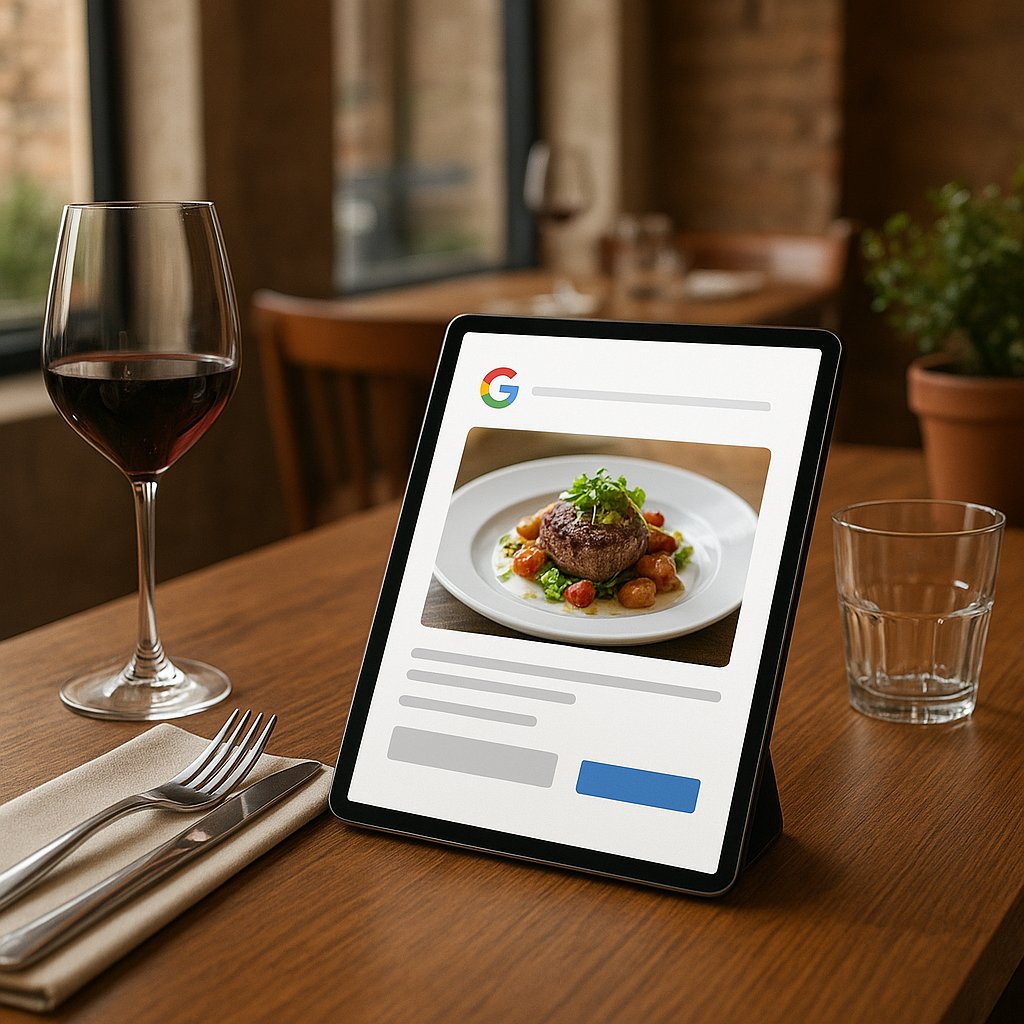
Google Business Profile Posts for restaurants: practical tips (2026)
Your restaurant is on Google, but it feels quiet: no promotions, no updates, no reason to choose you right now.
Google highlights restaurant updates like specials and events more prominently in certain places ("What’s Happening"). If you stay current, you stand out faster.
And it does not have to take more than 10 to 15 minutes per week. In this article, you get a short checklist, a realistic weekly rhythm, and a simple way to measure whether it brings bookings or takeaway orders.
What are Google Business Profile Posts (and where do guests see them)?
Google Business Profile Posts are short updates you add to your Google profile. Think: "Soup of the week today," "Live music Friday," "Valentine’s menu," "New lunch menu," "Mulled wine on the terrace."
The nice part: this is not another social channel you also have to keep up with. You simply post a clear update where people are already searching. And those are often people who want to eat now, book now, or order takeaway now.
Updates vs Offers vs Events (what should you choose, and when)
- Update: news that is not necessarily a discount. For example: a new menu, extra oysters today, the chef’s special this week.
- Offer: a real promo or deal. For example: "Midweek deal: 2 courses for EUR ..." or "Happy hour 16:00-18:00."
- Event: something with a date and time. For example: live music, a wine tasting, tapas night, King’s Day brunch.
Rule of thumb: if it has a fixed date and time, choose Event. If it is a clear deal, choose Offer. If it is mainly timely news, choose Update.
Where they show up (Search/Maps/mobile/desktop) and why that matters
Your posts can appear:
- in Google Search (when someone searches for your restaurant or "restaurant near me");
- in Google Maps when someone opens your location;
- on mobile often faster and more prominently, because people search on the go;
- on desktop as well, but with a different layout.
Why this matters: many guests search last-minute on their phone. A fresh post ("Today" or "This week") can be the nudge that makes them choose you.
Why this is extra important for restaurants right now ("What’s Happening" and specials)
Google is working on showing restaurant promotions and updates more prominently in some places, often in a block referred to as "What’s Happening." If you post something current, you can stand out more at the exact moment someone is already ready to buy.
What "What’s Happening" does (puts specials, deals, and events front and center)
In plain language: Google is trying to answer faster, "Where can I go right now?" and "What is special right now?" Specials, deals, and events fit that perfectly.
If your profile is empty, you show up, but you give no reason to click.
When you will (or will not) see it (varies by country/industry/account)
Not everyone sees this in the same way all the time. It can differ by:
- country or region,
- type of business (restaurant, cafe, bar),
- how complete your profile is,
- how active you are.
Important: even if you do not (yet) see an extra block, posts are still useful. They build trust ("they are active") and make it easier to send people straight to booking or takeaway.
Winter opportunities that fit especially well:
- mash and winter comfort food week,
- mulled wine or hot chocolate specials,
- live music on quieter nights,
- a Valentine’s package,
- "soup of the week" and early dinner in January.
The 10-minute checklist for a post that actually gets clicks
A post does not need to be long. It needs to be clear. This is the checklist that makes the biggest difference in practice.
1 goal per post (book, order takeaway, call, directions)
Pick one goal:
- Bookings (strong for dinner service),
- Takeaway/delivery (strong midweek),
- Calls (useful for last-minute plans or groups),
- Directions (useful for walk-ins and passersby).
Asking for everything at once often backfires. A post with one goal feels simple, and that gets more action.
Photo rule (close-up, daylight, no busy text)
A simple photo often does more than a wall of text:
- shoot a close-up of one dish or one drink;
- ideally in daylight;
- no loud, busy text on the image;
- better a real photo from your kitchen than a stock image.
Text rule (short, clear, 1 update)
Write it like you would explain it to a guest in one sentence:
- what it is,
- when it applies,
- what someone should do now.
Example (short): "January special: early dinner between 17:00 and 18:30. 2-course menu. Book via the button."
Button rule (choose 1 call-to-action button)
Pick one button that matches your goal:
- Book,
- Order online,
- Call,
- Directions,
- View menu.
If you want to drive bookings frequently, the difference is friction. A guest who has to click twice is more likely to drop off. That is why it pays to connect an online reservation system so the "Book" action is genuinely fast.
Practical weekly plan (restaurants): what should you post, and when?
You do not need an inspiration machine. You need a rhythm you can stick to.
3 simple formats that always work: Today, This week, Upcoming date
- Today For a daily special, fresh fish, "last tables tonight," "open until ... today."
- This week For a weekly menu, soup of the week, lunch deal, wine of the week.
- Upcoming date For live music, a tasting, holiday menus, Valentine’s.
Topic ideas (no fully written copy)
- daily special or chef’s special
- happy hour (for example, early drinks)
- live music or DJ night
- lunch deal (soup + sandwich)
- seasonal special (game, winter mash, winter cocktail)
- family-style Sunday table
Frequency: at least 1x per week (realistic) + when to scale up
- At least once per week: a solid start. Pick one fixed moment, for example Monday morning.
-
Scale up to 2-3 times per week if you:
- rotate specials often,
- are in a touristy area,
- do a lot of takeaway,
- run events regularly.
January tip (slower month): lean into a midweek deal, early dinner, or soup of the week. People often still want to eat out, but they look for a reason that also makes financial sense.
Links and tracking (so you know if it is worth it)
Posting based on gut feeling gets old. Tracking keeps it simple: does it do something, yes or no?
Which link should you include? (booking, ordering, menu, directions)
Choose the link that matches your goal:
- Bookings: link to your booking page.
- Online ordering: link to your takeaway page. If yours is not set up properly yet, online ordering through your own website is usually the most revenue-focused option.
- Menu: useful when people are undecided.
- Directions: great if you get lots of "near me" searches.
Simple measurement method: a dedicated "Google post link" + what you check monthly
Create a separate link for your posts that you only use in Google Posts. Then you can later see how many people came in through that route.
Keep it simple:
- 1 fixed link for "book via Google Posts"
- 1 fixed link for "takeaway via Google Posts"
Check monthly: clicks on those links, and whether you can see that reflected in bookings/orders.
If you want to set this up properly (and get your fundamentals in order at the same time), take a look at our help with visibility and your website. Then posts are not just nice to have, but measurable and action-driven.
Mini KPIs for hospitality
Keep it to this list:
- button clicks (book or order)
- direction requests
- phone calls
- bookings or orders
Common mistakes (why posts do nothing or get rejected)
Too much text / vague call to action / no photo
- Too much text: nobody reads a story on Google.
- Too vague: "Come by sometime" is not a reason. Say what you are offering and when.
- No photo: your post stands out less, especially on mobile.
Wrong info (old date, expired deal, incorrect opening hours)
Nothing is more frustrating than:
- an event that is already over,
- a deal that no longer applies,
- times in your post that do not match your profile.
Practical tip: set a weekly reminder to refresh your post. That is less work than handling confusion at the door.
Risks: phone number in the post text, weird characters, misleading claims
Sometimes posts get rejected or shown less because of unnecessary things:
- put your phone number in the call button rather than writing it out in the text;
- avoid excessive symbols and shouty copy;
- do not promise anything you cannot deliver.
Frequently asked questions
Does this take too much time?
Not if you keep it small. One good post per week is enough to start.
Trick: take one photo when a dish is leaving the pass, and post it the same day.
Does it actually work, or is it just nice marketing?
It mainly works for people searching right now: "restaurant near me," "dinner tonight," "lunch near me."
Not a magic bullet, but it gives a timely reason to choose you. And with a separate link, you will quickly see whether it is paying off.
What if I do not have great photos?
Daylight, one dish, clean background. Done.
A real photo often beats a perfect but impersonal one.
Can I outsource this and still stay in control?
Yes. Often you have the structure, planning, and tracking links set up, and you only provide the photo and that week’s special.
What if my post is not visible or disappears?
That can happen because Google shows things differently by person or moment, or due to profile settings/quality.
Stay consistent, keep your info tight, and use one clear button. If it stays weird consistently, it is worth reviewing your profile and links carefully.
Quick start (15 minutes) + when to bring in help
15-minute start: pick 1 action -> 1 photo -> 1 button -> 1 tracking link -> publish
- Choose 1 action for the coming week: bookings or takeaway.
- Take 1 photo (close-up, daylight).
- Write 2-3 sentences: what it is + when + who it is for.
- Choose 1 button.
- Use a separate link for Google Posts.
- Publish and immediately schedule a time to refresh it.
When outsourcing is a smart move
Outsourcing is smart if you:
- have multiple locations,
- run promotions and events frequently,
- do not have time to keep it up,
- want it tied to measurable revenue.
Book a free 30-minute consult: we will review your Google profile, pick 1 action (bookings or takeaway), and create a simple 4-week post plan with tracking links. Request it via the contact page or WhatsApp.