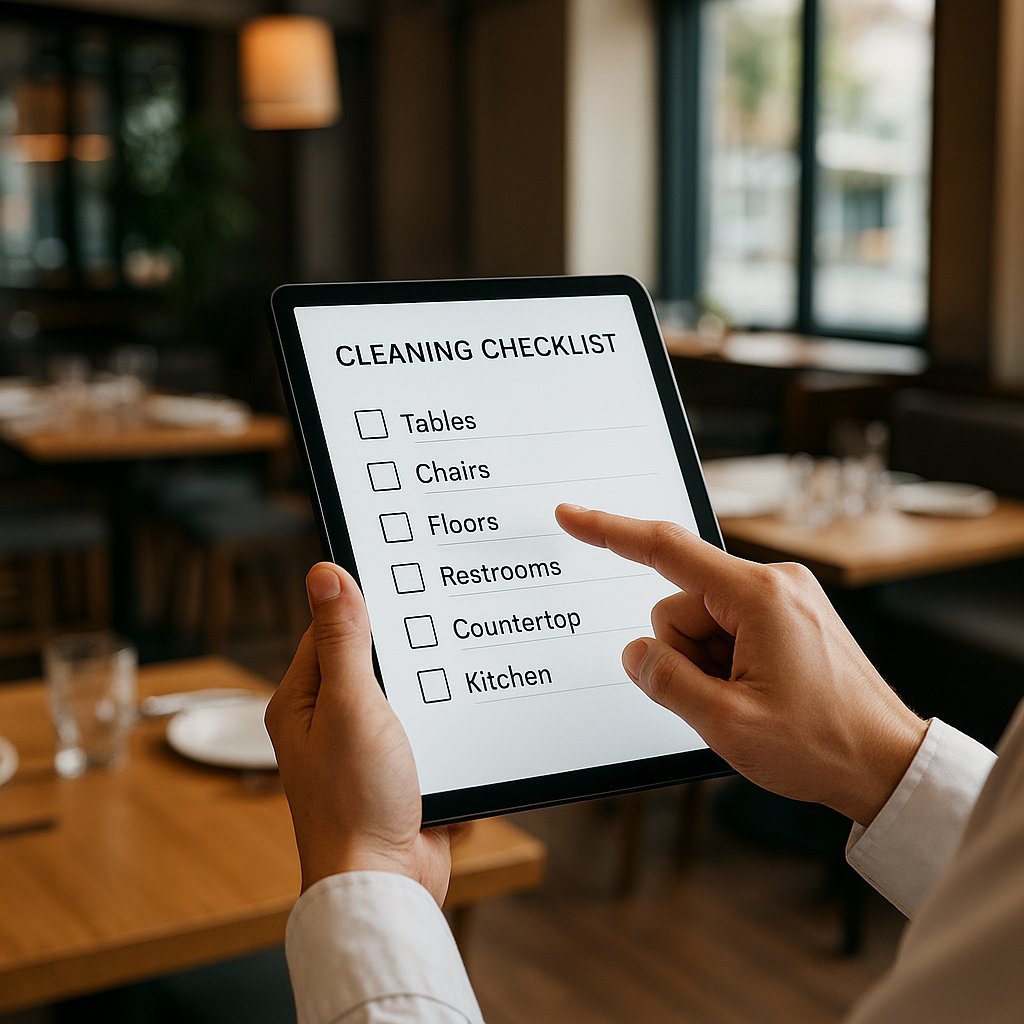
Digital cleaning checklist for hospitality (explained simply)
- Paper checklists get lost, get "filled in later", or become unreadable.
- Result: stress during inspections and hassle with staff ("who was supposed to do this?").
- Promise: in 30 minutes you will understand what a digital cleaning checklist is, how to start, and what to watch out for (without technical talk).
In 2026 you see it everywhere: less paper on the floor, more things simply on the phone. Not because it is trendy, but because on busy days you do not have time for missing binders and half-filled lists.
A digital cleaning checklist is simple at its core: you put cleaning tasks on a phone or tablet, your team checks them off, and you immediately have proof of who did what and when. That is what makes it practical: less debate, faster retrieval, and more calm.
What is a digital cleaning checklist in hospitality (and what does it deliver)?
A digital cleaning checklist is your normal cleaning checklist, but digital. Your team checks off tasks and you can instantly see what is done and what is still open. No paper that gets wet, disappears under the bar, or only gets "neatly" filled in afterwards.
From checking off to proof (who, when, what was done)
On paper you can always argue: "I really did that." Digitally you automatically get proof: who checked it off and when.
That helps during inspections, but also inside your own team. Not to micromanage, but to make it clear what is actually happening.
Real-world example: in a tapas bar, the evening shift thought the morning shift handled the fridges. The morning shift thought it was the other way around. In a digital list the manager saw within 10 seconds: nobody had checked it off. Then it is not a debate, it is an action item.
Less hassle: task overview on the floor (kitchen/bar/restrooms)
The biggest advantage is a clear overview per area. Instead of 1 long list, you create short lists per zone. The kitchen sees kitchen, the bar sees bar, the restrooms get their own tasks. Especially during peak moments, that works better than a binder in a cabinet.
Why this makes even more sense in 2026: less paper, faster retrieval
Paper is slow: you have to grab it, read it, put it back, store it, and later find it again. Digital is faster: you search by date and you are done. It is also easier for onboarding: "This is your list for today."
When do you need this? (5 familiar situations)
You do not need to buy a tool first to know whether this is useful. Do you recognize 1 or more of these situations? Then a digital cleaning checklist is almost always an improvement.
Lots of rotating staff / temporary workers
With temporary workers it is often: "Where is the list?" and "What exactly do you expect?" Digitally, someone immediately sees what needs to be done. That saves explanations and frustration.
Multiple rooms or locations (kitchen, bar, terrace, storage)
The bigger your venue, the easier things fall through the cracks. A storage room that gets done "later". A terrace chair that nobody claims. A digital checklist makes responsibilities clear per area.
Tasks get forgotten on busy days
On a Friday night you are not thinking about refilling soap or cleaning door handles. And yet those are exactly the things guests notice. A digital list helps because at the end you can see what is still open.
You want calm during inspections: show everything fast
If there is an inspection, you do not want to dig through a folder full of loose papers. You want to calmly say: "Here, this is what we do and this is what has been checked off." That builds confidence.
You want less debate and more clarity in the team
"Who did the restrooms?" "I thought you did." This drains energy. With a digital checklist you keep it simple: the task is there, someone checks it off, done.
How to set up a digital cleaning checklist (in one afternoon)
You do not need to be a tech person for this. Think as if you are writing it for a new employee who starts today.
Step 1: Create 3 lists (daily / weekly / monthly)
- Daily list: things that always need to happen (restroom checks, prep surfaces, trash).
- Weekly list: things you do weekly (fridge seals, baseboards, behind the fryer).
- Monthly list: deep work (thorough hood cleaning, clearing out storage).
If you do not separate these, your daily list becomes too long and everyone checks out.
Step 2: Split by zone (kitchen, bar, restrooms)
Create separate blocks. For example:
- Kitchen
- Bar
- Restrooms
- Terrace
- Storage
In a small cafe you might only have "bar" and "restrooms". Totally fine.
Step 3: Keep tasks small (max 1 minute per task)
A task like "clean the restrooms" is too big. Break it down, like:
- Wipe the mirror
- Wipe the faucet and sink
- Empty the bin
- Quick mop of the floor
- Check soap and paper
Small tasks get done more often. Big tasks become "later".
Step 4: Assign roles (who does what) + a backup person
Not "everyone is responsible", because then nobody is responsible. Keep it simple:
- Morning: employee A
- Evening: employee B
- Backup: shift lead
Backup matters on days someone is sick or when it suddenly gets extremely busy.
Step 5: Sign off with name + date/time (automatic)
This is the whole point: not only checking off, but also recording who and when. That gives you peace of mind and gives the team clarity.
Step 6: Agree on 1 check moment per shift (5 minutes)
At the end of the shift: a 5-minute check. Not longer. Just:
- What is still open?
- Who takes it now?
- Done.
Checklist: what a good digital list must include (tool-agnostic)
Whatever app or solution you choose, these are the points that make the difference between "nice idea" and "this actually works".
Automatic date/time + staff member (proof)
Without this, you stay stuck in discussions. With it, you have clarity and proof.
Daily view: what needs to be done today?
You do not want to scroll through a long list. You want to see "today": these are your tasks, these are still open.
Reminders / notifications if something stays open
Not to chase people, but to prevent something from sitting for three days because everyone assumed it was already done.
Export/overview for inspections or internal checks
Sometimes you want to show it, print it, or store it. You do not need that every day, but it must be possible.
Works simply on a phone (preferably without login hassle)
On the floor it has to be fast. If people keep resetting passwords, it is dead within a week.
Multiple languages (useful with international staff)
In many kitchens, people work with different native languages. If you can also show tasks in a second language, you avoid misunderstandings.
From clean to trust (how this turns into better reviews/bookings)
Hygiene is not only "compliance". It is also guest experience. Guests strongly remember two things: how they were treated and how clean it felt.
If you also want to reflect that smartly online later, it helps your overall image. Think about your photos, your copy, and how professional your venue looks. That is the bridge between operations and presentation.
Internal calm = better service (less stress on the floor)
When your team does not have to argue about tasks, there is more energy left for guests. Calm in the kitchen and behind the bar shows up in speed, friendliness, and fewer mistakes.
Consistently clean restrooms = fewer complaints
Restrooms are often the review killer. One dirty toilet and it ends up in a rating. With a digital checklist, you can have a quick hourly check ticked off. That is not a luxury, it is damage control.
Smart proof: show professionalism (without making everything public)
You really do not need to put screenshots of checklists on your website. But you can communicate professionally, for example:
- "We check our restrooms multiple times per day."
- "We work with fixed cleaning rounds per shift."
To guests, that feels like: this place is under control.
Mini action: create 1 hygiene promise for your team (1 sentence)
Example: "Every shift: restrooms, prep surfaces, and trash are finished before we close."
One sentence. Not ten rules.
Common mistakes (and quick fixes)
A digital checklist can fail too. Not because of the tech, but because of how you set it up.
Lists are too long: break them into micro-tasks
If someone starts a shift and sees 40 tasks, this happens: procrastination. Keep it short and doable. Better 12 tasks that actually happen than 40 tasks that sort of happen.
No owner: assign 1 responsible person per time block
"The team" is not a person. Assign 1 responsible person per time block. That can be an experienced employee, it does not always have to be the owner.
Only checking off without control: 5-minute end check
Without an end check, checking off can become a habit without substance. With a short end check, it stays honest and useful.
Too many rules: keep it simple (80/20)
Focus on the 20% of tasks that create 80% of the impact: restrooms, prep surfaces, fridges kept tidy, trash, floors where guests walk. Start there.
Frequently asked questions / objections
"What does something like this cost (and what is possible for free)?"
It can range from free (very simple) to a paid system per month. Free can be fine to start, as long as you have oversight and proof. Paid is often great if you have multiple locations or if you want everything stored neatly and easy to retrieve.
"Does this not take extra time?"
At first it takes a bit of time to set up. After that, you save time because you spend less time searching for lists, you have fewer debates, and you see faster what still needs doing.
"My staff is not good with tech, will this work?"
Yes, if you keep it simple. One rule almost always works: "Open the list, tap what you did, done." If it has more steps, it becomes hard on the floor.
"Can I do this myself in WhatsApp/Google Sheets?"
You can, especially to start. WhatsApp is handy for agreements, but it gets messy fast: messages disappear, you lose a daily overview, and proof is hard to find back. A simple checklist in a shared document can work, but it truly has to be easy on a phone.
If you are unsure what fits your venue, you can just send a quick question: send me a WhatsApp message.
"How do I know it is reliable during an inspection?"
It feels reliable mainly when you have fixed routines (one moment per shift), you automatically log date and time, you make tasks concrete, and you use it consistently.
A perfect tool that nobody uses is worthless. A simple solution that everyone actually uses is gold.
Quick start: do this today (10-minute action plan)
Do not feel like turning it into a project? Do this:
Pick 1 area (for example restrooms) and create 8 tasks
Create 8 mini tasks, like mirror, faucet, toilet, floor, bin, soap, paper, smell check.
Agree: check off before closing + 1 end check
No debating. Check off before closing. The shift lead does 1 end check.
Take a photo of open tasks as a backup (internal only)
If you do not have a system yet today, take a photo at the end of what is still open (for example the board or your list). Internal only, so you know where you stand tomorrow.
Only then choose: template, app, or custom setup
Structure first. Only then decide what you will use. Otherwise you buy something and force your work to adapt for no reason.
Schedule a free advice call of up to 30 minutes: you explain how you currently clean/check things off, and I will give you a simple step-by-step plan (plus what you should and should not record digitally). You can request it via WhatsApp.