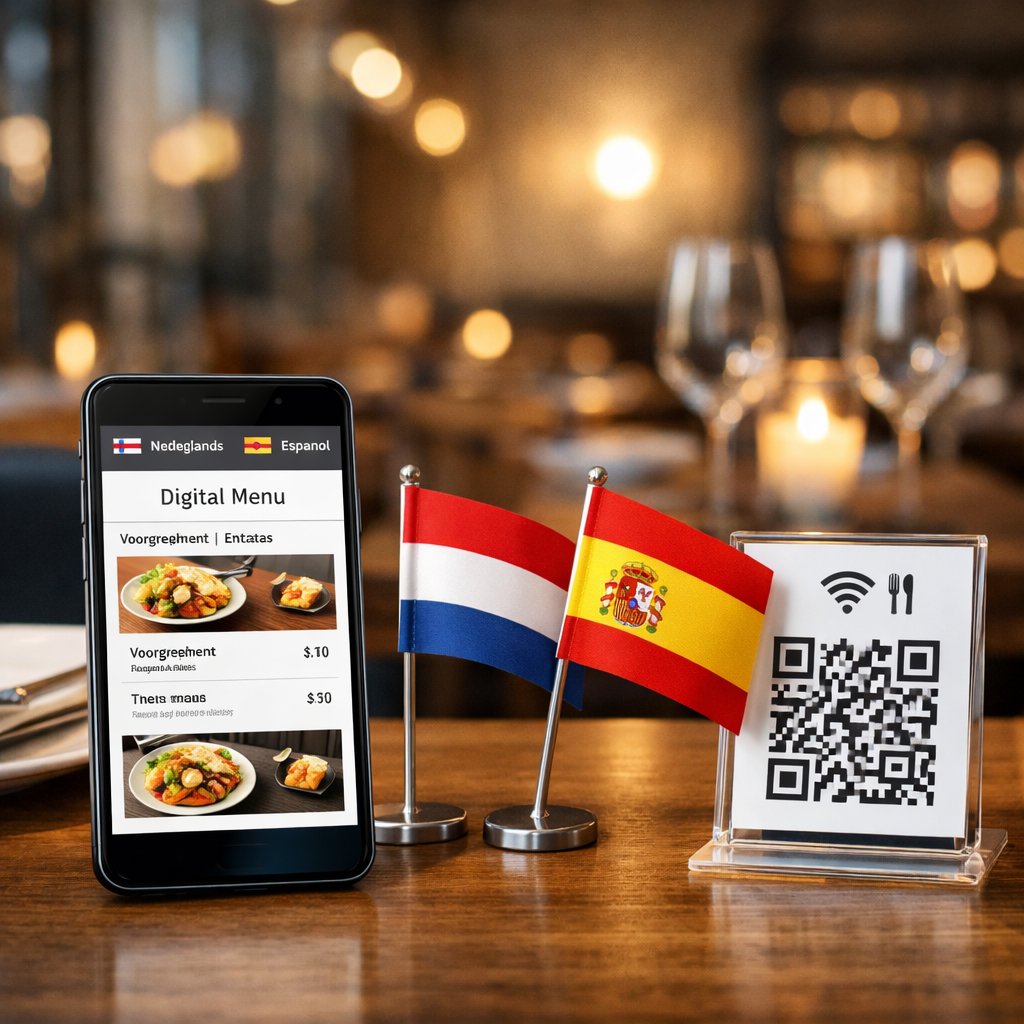
A bilingual QR-code digital menu (Dutch + Spanish): what actually works for restaurants?
If you serve guests in the Netherlands, you’ve heard it: “Do you have this in another language?” And if you operate around the Costa Blanca, the language mix flips constantly—Spanish locals, Dutch winter visitors, and tourists who want clarity now, not a long explanation.
A bilingual QR-code menu sounds straightforward (“we’ll put the menu online”), but the small decisions—how language selection works, how updates are done, how allergens are structured—are what decide whether it reduces staff interruptions or becomes yet another tool nobody wants to maintain.
This guide helps you evaluate a bilingual QR-code digital menu for restaurants (Dutch + Spanish) with a practical, vendor-neutral comparison framework: solution types, must-have features, implementation options, cost drivers, and the typical pitfalls that show up only after you’ve printed QR stickers.
Search intent: what restaurants really compare before buying
People searching for a bilingual QR menu are usually in commercial investigation mode. They don’t want inspiration—they want a shortlist.
In practice, most restaurant owners compare three things:
- Operational fit: does it match how your team serves tables?
- Manageability: can you update it quickly without breaking layout or translations?
- True cost: what happens when you add a second location, extra language, or ordering?
“View-only” vs “ordering & payment” (which fits your operation?)
Most solutions fall into two buckets:
-
QR menu for viewing only
Best when your priority is: fewer printed menus, always-current prices, clean bilingual content, and fewer repeat questions about ingredients/allergens.This often fits:
- restaurants with rotating specials (seasonal dishes, catch of the day, dagmenu)
- places where staff always takes the order in person
- menus that need explanations (tapas details, sauces, preparation style)
-
QR menu with ordering (and optionally payment)
Helpful when order-taking is your bottleneck—busy terraces, high-turnover lunch spots, beach clubs, or concepts with frequent repeat rounds.But it can change your service model. You’ll want answers to questions like:
- who controls pacing and courses?
- how do you avoid double work (staff taking orders and QR orders)?
- how are custom requests handled (“no garlic”, “sauce on the side”, “gluten-free bread”)?
A practical example: a tapas bar that relies on staff timing may benefit more from “view-only + clear bilingual descriptions + allergen structure”. Meanwhile, a casual lunch venue with heavy foot traffic may gain real speed from “view + ordering”.
One QR with language selector vs auto-language (pros/cons)
You’ll usually see one of these approaches:
-
One QR code with an on-page language switch (NL/ES button)
- Pro: the guest stays in control.
- Pro: ideal for mixed-language tables.
- Con: one extra tap.
-
Automatic language based on the phone/browser
- Pro: feels instant—when it works.
- Con: often wrong in real life (expats set to English, travelers set to French/German, etc.).
- Con: if you only support NL/ES, “auto” can frustrate users whose phone is set to a third language.
What tends to work best: manual language selection + remember the preference, so the next scan opens in the same language.
Checklist: must-have features for a Dutch + Spanish QR menu
Demos can look great. Your job in the consideration stage is to find out whether the system is restaurant-proof on a busy weekend.
Bilingual content (NL/ES), language switch, consistent translations
Bilingual support isn’t “we can translate”. It’s: can you maintain consistency.
Where it commonly breaks:
- culinary terms that don’t translate 1:1 (stoofvlees, bitterballen, gamba al ajillo)
- allergen statements and diet claims that must stay precise
- the same ingredient being named differently across pages
Must-have capabilities:
- a visible language switch on every page
- structured fields per item (name, description, allergens, labels)
- ideally a simple glossary or repeatable translation approach so you don’t reinvent terms every time
Real-world nuance: “kroket” is not automatically the same expectation as “croqueta”. You often want the flexibility to write “kroket (ragout)” and add a short explanation in Spanish rather than forcing a literal swap.
Live menu updates (prices, sold-out, specials)
If you can’t update quickly, the QR menu won’t reduce questions—it will create them.
You should be able to do, fast:
- price edits without layout breaking
- a sold-out toggle (not “remove item and re-add later”)
- add a daily/weekly special and hide it again
This matters even more in peak season when availability changes midday.
No app required: fast, mobile-first UX
Most guests will not install an app to see a menu.
Minimum standard:
- opens directly in the browser (Safari/Chrome)
- loads fast on 4G and busy Wi‑Fi
- large tap targets (no tiny buttons)
- clear categories (drinks, lunch, tapas, desserts) and ideally search
Small but important: bright outdoor terraces are a worst-case scenario. If it loads slowly or is hard to read in sunlight, guests will wave for staff anyway.
Branding that still loads fast (logo, colors, typography)
A QR menu doesn’t need to be a design project, but it should feel like your restaurant:
- logo + brand colors
- typography that stays readable (especially for older guests)
- photos only where they help (e.g., specials), not where they slow everything down
If you run both NL and Spain locations, you may want consistent branding with different menu structure, pricing, or seasonal categories—check whether you can do that without duplicating everything.
Allergens & dietary labels (structured fields, not messy text)
Avoid allergens as free-text paragraphs that someone forgets to update.
Look for:
- a structured allergen list per item (fields or checkboxes)
- diet labels (vegetarian/vegan/gluten-free) with room for nuance
- optional disclaimers about cross-contamination
Multiple menus (lunch/dinner/drinks) + optional scheduling
At minimum you’ll want:
- lunch menu
- dinner menu
- drinks menu
Often useful (optional):
- time-based visibility (lunch disappears after a set time)
- happy hour category toggle
- seasonal menu pinned to the top
Implementation choices (vendor-neutral)
Even a great platform can feel like a headache if your setup doesn’t match your operation.
Table-specific QR codes vs one central QR (when to choose which)
-
QR code per table
- Pro: best if you plan to add ordering/payment later (table mapping).
- Pro: fewer “which table is this?” errors in service flows.
- Con: more physical management (stickers wear out, cleaning, replacements).
-
One central QR code (on a stand, window, printed card, receipt)
- Pro: simplest to roll out.
- Pro: perfect for view-only menus.
- Con: if you later need table-based ordering, you may need to rework the setup.
Self-managed dashboard vs delegated updates (time vs control)
-
Self-managed
- Pro: you can adjust prices and specials the same day.
- Con: someone must “own” updates—or the menu becomes outdated.
-
Delegated/outsourced
- Pro: consistent quality, especially for bilingual text.
- Con: you depend on response time; “sold out” updates shouldn’t take hours.
A hybrid is often best: set up the structure and translation consistency professionally, then keep day-to-day toggles (sold-out, daily specials, small price changes) in-house.
Embedded on your website vs a standalone menu link
-
Embedded on your website
- Pro: aligned with branding; can support discoverability depending on setup.
- Con: if your site is slow, your menu is slow.
-
Standalone menu link
- Pro: often faster and more stable for mobile.
- Con: can feel disconnected from your main site.
Either way: protect the one thing that costs money to change—the QR code. Your QR should point to a stable URL so you can rebuild the menu later without reprinting.
Pricing models & common pitfalls
“From €X/month” rarely reflects reality—especially when you need Dutch + Spanish and might expand.
Subscription vs one-time fee (and what “limited” usually means)
-
Subscription
- usually includes hosting, updates, and support
- watch for limits: number of items, photos, languages, menus
-
One-time fee
- can be attractive for a stable menu
- clarify who handles hosting, security, and future changes
In many systems, “limited” translates to: it works, but managing it on a busy Friday becomes painful.
Add-ons: extra languages, multiple venues, ordering/payment, POS
Common price drivers include:
- additional languages beyond NL/ES
- multiple locations under one account
- activating ordering/payment
- POS integrations
- printed QR materials / table stands / branded signage
If you think you may add ordering/payment in the next 6–12 months, check now whether today’s setup blocks that path (and whether you can keep the same QR link).
Content ownership, exports, and avoiding lock-in
This becomes a problem when you want to switch providers.
Ask upfront:
- can you export menu items (CSV/Excel)?
- do you keep your translations?
- can you download images in original quality?
- who owns the menu URL the QR points to?
If your menu data is trapped, you’ll pay later—either by re-entering everything or staying locked in.
Netherlands + Costa Blanca scenarios where bilingual menus pay off
Bilingual menus aren’t just a “nice extra”—they can remove friction during service.
Tourists & expats: faster choices, fewer staff interruptions
In the Netherlands: tourists, international students, and business guests. Around the Costa Blanca: Spanish locals + tourists + Dutch/Belgian winter residents.
A strong NL/ES QR menu reduces quick translation conversations during peak moments—freeing staff to focus on hospitality and pacing.
Consistent kitchen terminology + local wording in Spanish
Spanish readers often expect local phrasing rather than literal translations. Examples:
- “house wine” → vino de la casa (often with tinto/blanco/rosado options)
- “soup of the day” → sopa del día (and ideally specify what it is)
- “bread with aioli” → usually clear, but consider noting if it’s house-made or special
Consistency matters: if you use gamba in one place and langostino in another, some guests will assume they’re different items.
Seasonal menus and rapid updates during high season
In high season you want to:
- publish specials quickly and remove them just as fast
- adjust prices when supplier costs swing
- show sold-out items immediately—especially for fresh products
15-minute mini framework: compare 3–5 providers quickly
You don’t need weeks of testing to make a smart shortlist.
Phone demo test: speed, language switching, readability
Test on your own phone (and ideally another device):
- does it open within a few seconds?
- is the language switch visible and obvious?
- is it readable in bright light?
- does scrolling stay smooth and structured?
Admin workflow: add items, edit prices, toggle “sold out”
In a live demo, ask them to show:
- adding one menu item in Dutch and Spanish
- assigning allergens via fields
- toggling “sold out” with one click
- reordering categories without breaking layout
If it feels clunky in the demo, it will feel worse during a rush.
Onboarding & support (can they communicate NL/ES?)
For NL + Costa Blanca operations, support often beats “more features”:
- can they work in Dutch and Spanish?
- what channel do they use (email/WhatsApp/phone)?
- do they help set up bilingual structure and translation consistency?
FAQ: bilingual (NL/ES) QR-code digital menus
Do guests need an app?
They shouldn’t. The best QR menus open straight in a browser. If a provider pushes an app, ask what measurable advantage it brings—and what it does to adoption.
Can one QR code show two languages?
Yes. Typically the QR points to one URL, and the menu includes a language selector (Dutch/Spanish). That’s also the easiest flow for mixed-language tables.
Can I add ordering/payment later?
Sometimes, but not always without restructuring. Ask specifically:
- can table recognition be added later?
- can the QR link stay the same?
- what are the extra costs (ordering module, payment fees, POS, transactions)?
Does it work on iPhone and Android?
If it’s built well, yes. Make sure it’s tested on Safari (iPhone) and Chrome (Android), and that text/buttons don’t shift around. If you serve older demographics, ask about minimum supported OS versions.
Request a WhatsApp consult (bilingual NL/ES QR menu)
Want a quick sanity check on the best setup for your restaurant—central QR vs per-table, manual language switch vs auto-language, and a maintenance flow your team will actually use? Request a WhatsApp consult and share your current menu (PDF or photos) so we can advise with specifics.